
Building from a git repository
Besides stacks that use ready-made images, a stack can build its application image on the server from your own source code. The repository must contain a Dockerfile; the compose file refers to the checked-out source as its build context (./source).
HD Services creates such a stack. After that you manage the source yourself on the Source tab.
Access to the repository
Section titled “Access to the repository”| Method | When |
|---|---|
| Deploy key (default) | The server generates an SSH key pair; you register the public key at the repository as a read-only deploy key. GitHub: repository Settings > Deploy keys > Add deploy key, “Allow write access” off. The private key never leaves the server. Use the ssh form of the URL (git@github.com:org/repo.git). |
| Token | A username plus a (read-only) access token, with the https form of the URL. |
| None | For a public repository. |
The key belongs to this server and keeps working when people, passwords or tokens change at your end.
Deploy
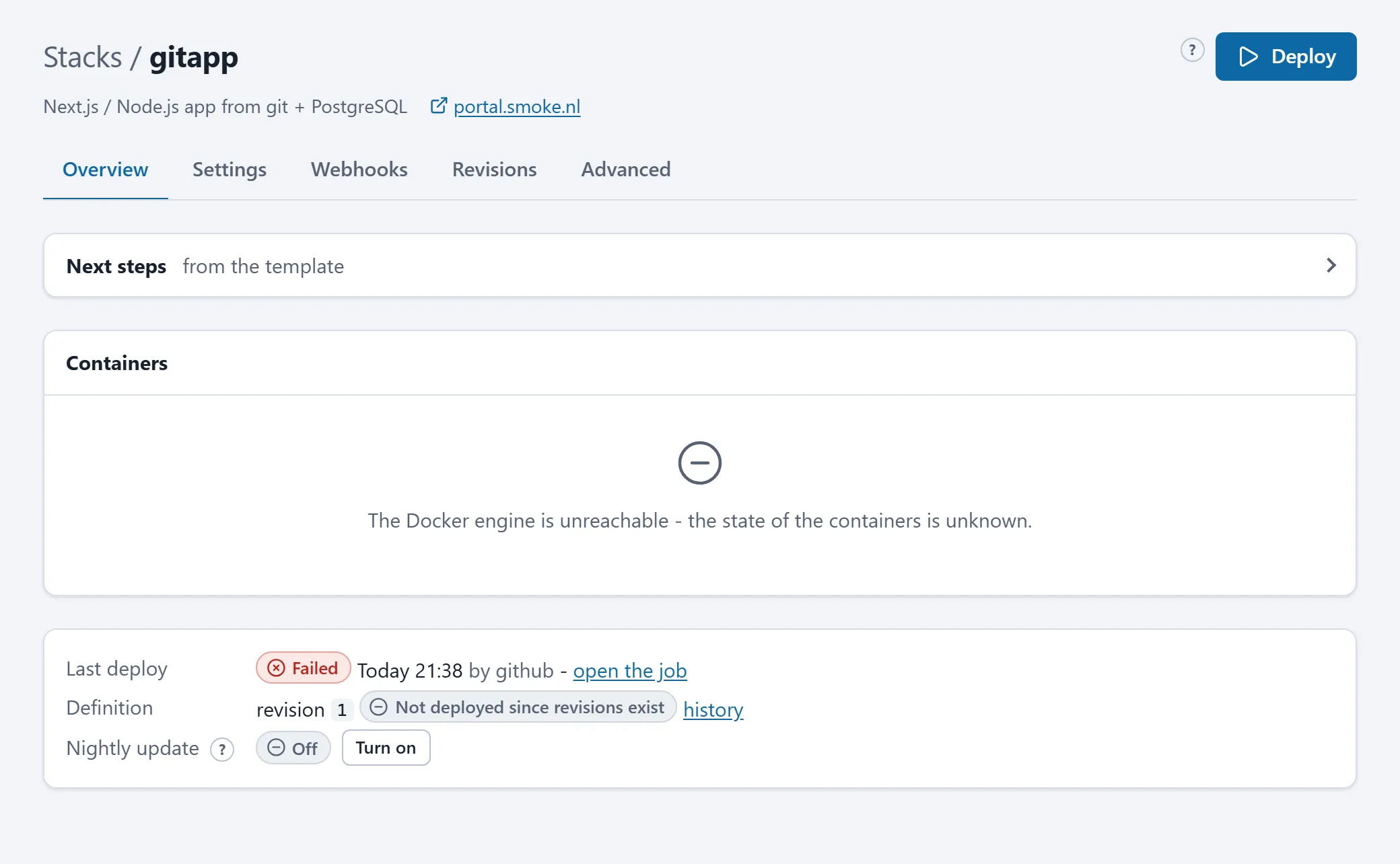
Section titled “Deploy”Deploy fetches the newest commit of the configured branch (or the pinned version), builds the application image, pulls the other images and restarts only what changed. Secrets never live in the repository: they are the stack’s settings and variables.
The first deploy is always manual: DNS, the access list and any data migration come first. After that:
- Automatic deploys on: a new commit on the branch is deployed within a few minutes (the repository is checked every five minutes), or at once through the GitHub push webhook.
- Automatic deploys off: you press Deploy yourself. Check now asks the repository for the newest commit without deploying.
Pinning and rolling back
Section titled “Pinning and rolling back”The Deploy history card lists the deployed commits, newest first. Deploy this version rebuilds the stack from that commit and pins the stack: automatic deploys pause until you press Follow the branch again. Rolling forward is the same button on a newer commit, or lifting the pin and pressing Deploy.
Nightly update
Section titled “Nightly update”With Nightly update on for a git stack, the current checkout is rebuilt at night (a refresh of the base images). New commits are not fetched by it.
Without a repository: uploading
Section titled “Without a repository: uploading”If you prefer not to connect a repository, you can upload the source code as an archive; the same stack then builds from the uploaded files. See Uploading files. Saving a repository on the Source tab puts the stack back on git.
Backup of the repository
Section titled “Backup of the repository”On the Backups page you can add a backup of the kind Git repository for a git stack: every night the complete repository (all branches, tags and history) is kept as one file. That keeps the source safe if the GitHub account is lost. The backup uses the same deploy key as the stack.