
Webhooks
A webhook is an address an external system can call to start one action. HDDeploy has three. Every webhook has its own token that allows exactly one action on one stack or site, so it is safer in a CI pipeline than your personal API token.
Deploy webhook (CI starts a deploy)
Section titled “Deploy webhook (CI starts a deploy)”On a stack’s Webhooks tab:
- Click Enable webhook. The token is shown once; put it straight into your CI’s secret store (a GitHub Actions repository secret
HDDEPLOY_DEPLOY_TOKEN, for example). Only a hash is kept on the server. - The last step of your pipeline becomes:
curl -f --retry 5 --retry-delay 30 --retry-all-errors \ -X POST https://<your-server>.hddeploy3000.nl/api/stacks/myapp/deploy \ -H "Authorization: Bearer <token>"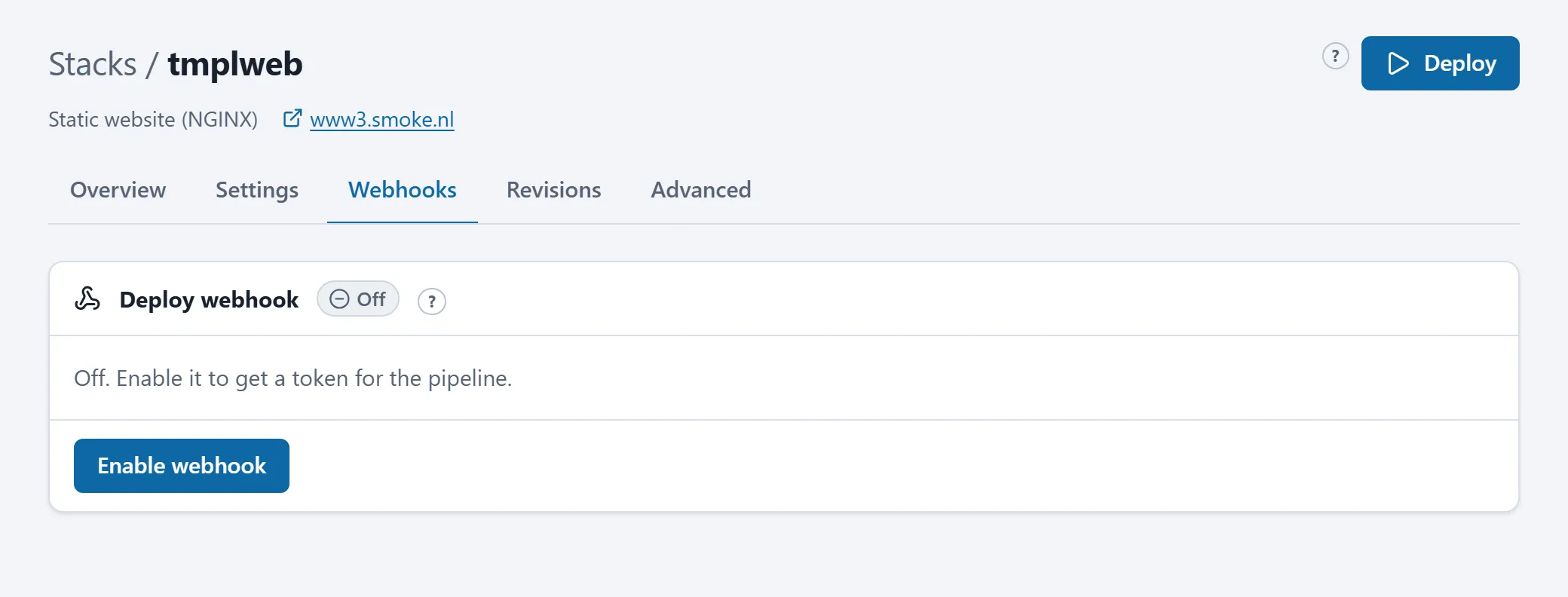
- The call waits for the deploy and fails when the deploy fails, so your pipeline turns red. With
?async=1you get a 202 right away and can follow the job throughGET /api/stacks/myapp/jobs/<id>with the same token. - One deploy per stack per 30 seconds is accepted; the
--retryin the example rides that out. A call during a queued deploy attaches to it. - Every call is listed on Activity (by “webhook”, with the caller’s address) and in the Recent webhook deploys list on the tab.
- Token lost: Regenerate (the old one stops working at once). Pipeline retired: Revoke.
GitHub push webhook (for stacks from git)
Section titled “GitHub push webhook (for stacks from git)”A stack built from a git repository checks the repository every few minutes. With the push webhook a push deploys within seconds:
- On the Webhooks tab, card GitHub push webhook: click Enable and copy the Payload URL (
https://<your-server>.hddeploy3000.nl/api/stacks/myapp/github) and the secret. - In GitHub: repository Settings > Webhooks > Add webhook. Fill in payload URL and secret, content type
application/json, only the “push” event.
Only pushes to the configured branch deploy; other branches and GitHub’s ping are acknowledged and ignored, as are pushes while the stack is pinned to a commit. Every accepted push is a job (by “github”). New secret replaces the secret; update the webhook in GitHub as well then.
See also Building from a git repository.
Check webhook (CI has a site synced right away)
Section titled “Check webhook (CI has a site synced right away)”When your pipeline uploads a site to the FTP location, it can then ask the server to sync immediately. On the site’s page, Webhook tab: Enable, copy the token, and as the last step of the upload job:
curl -f --retry 5 --retry-delay 30 --retry-all-errors \ -X POST https://<your-server>.hddeploy3000.nl/api/sites/mysite/check \ -H "Authorization: Bearer <token>"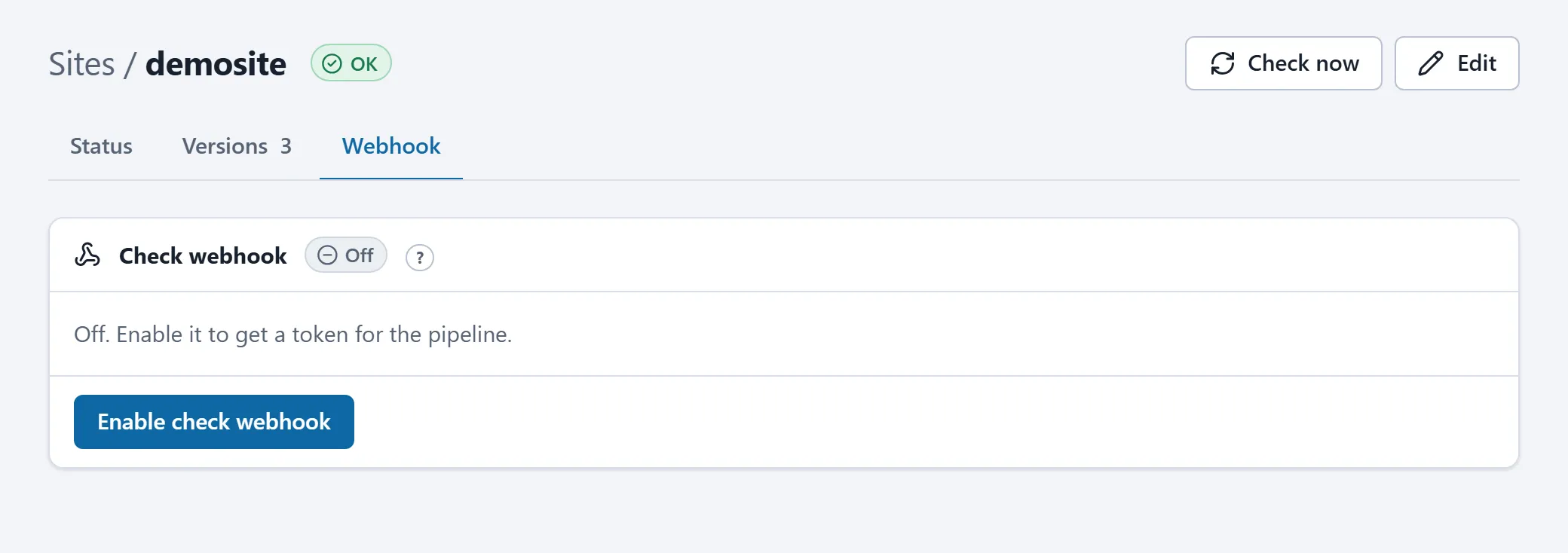
The call answers 202; see the result with GET /api/sites/mysite/status (same token): lastDeploy advances on success, lastError names a failure. One check per site per 30 seconds.
Difference from the REST API
Section titled “Difference from the REST API”The REST API at /api/v1 works with your personal token and can do everything you can. The webhooks sit outside it, with their own token per action, and are meant for systems you do not want to give your full permissions.