
Stacks: your applications
A stack is an application: a group of containers that form one whole, described in a compose file (docker-compose.yml) with its variables (.env). A web shop with a database and a cache is a stack of three containers. Stacks are created by HD Services, usually from a template; after that you manage them yourself.
A stack’s page
Section titled “A stack’s page”On the Stacks page, click a name. At the top are the name, the state (how many containers run), the addresses the application is reachable on, and the Deploy and Stop buttons. Below them, tabs.
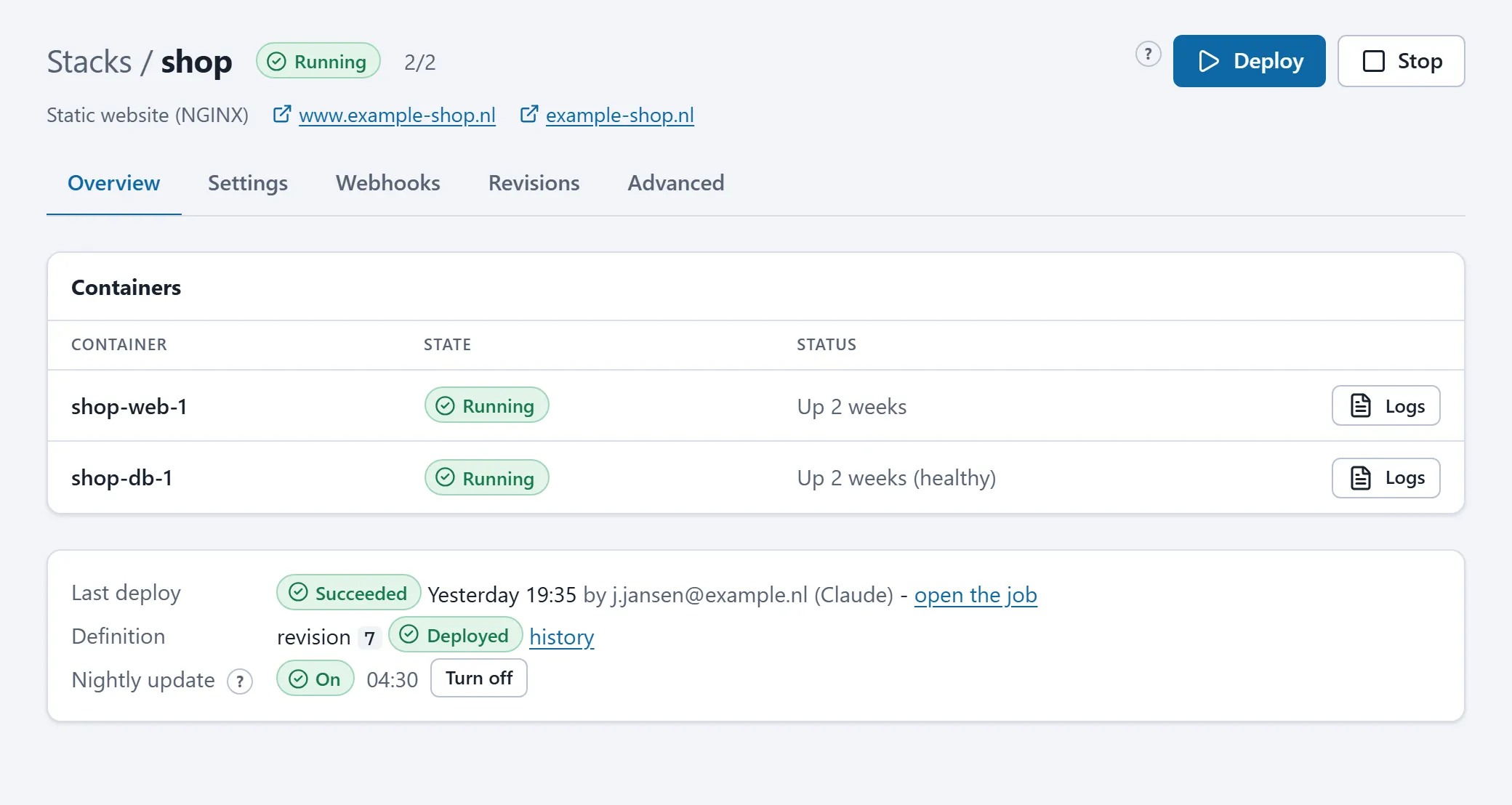
Overview
Section titled “Overview”- Next steps: for a stack from a template, the steps still needed after creation (a DNS record, the first deploy, content).
- Containers: the containers of this stack with their state and a button to the log.
- Last deploy: when, by whom and with what result; with a link to the job.
- Definition: the revision number of the current definition and whether it is what runs (“Deployed”) or still has to be deployed (“Changed since the last deploy”).
- Nightly update: on or off. On means: every night newer images are pulled and the stack is redeployed when something new exists. Off means: images only change on a manual deploy.
Settings
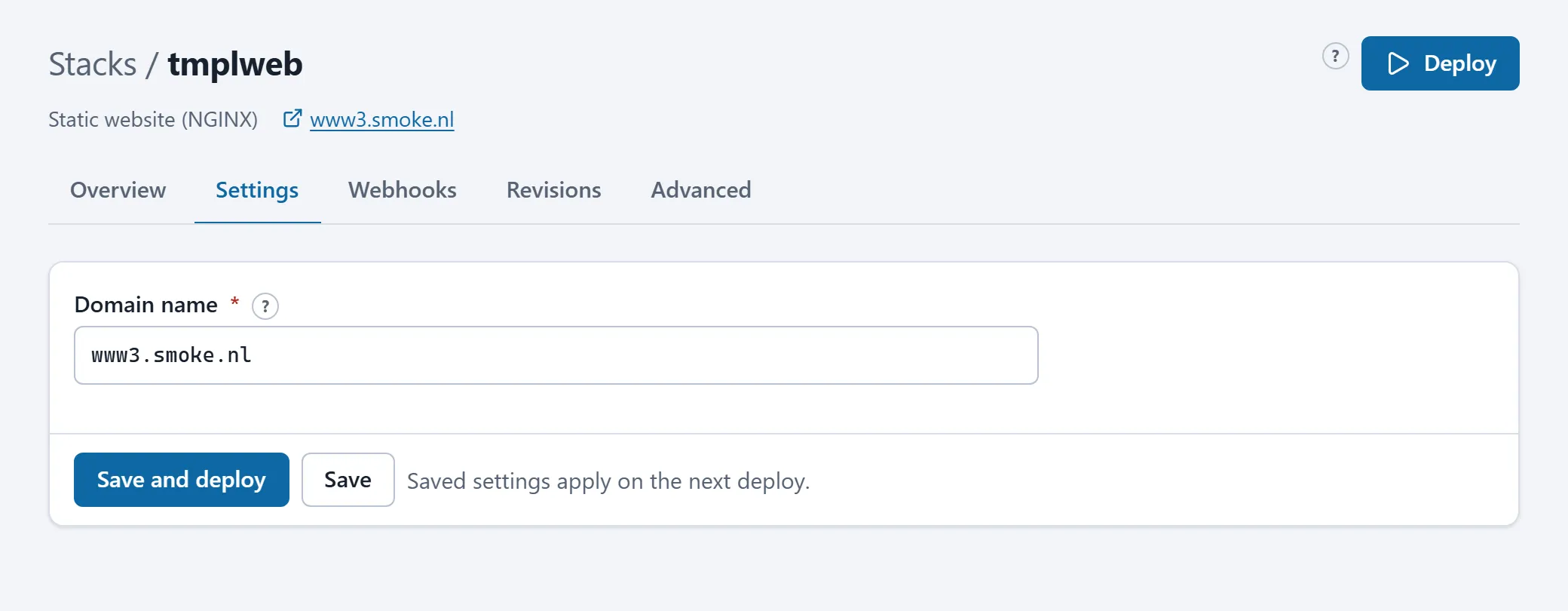
Section titled “Settings”Only for stacks from a template. A form with the settings the template knows: domain name, passwords, versions, limits. Every field has an explanation behind the ?. Save keeps the settings for the next deploy; Save and deploy rolls them out at once.
Source
Section titled “Source”Only for stacks built on the server from a git repository or uploaded source code. See Building from a git repository and Uploading files.
Access
Section titled “Access”Only for stacks with an access list: which networks may open the application. See Access lists.
Webhooks
Section titled “Webhooks”An address your CI pipeline can call to start a deploy, and for git stacks the GitHub push webhook. See Webhooks.
Revisions
Section titled “Revisions”Every saved version of the definition, with who made the change and how. An older version is put back with one click. See Revisions.
Advanced
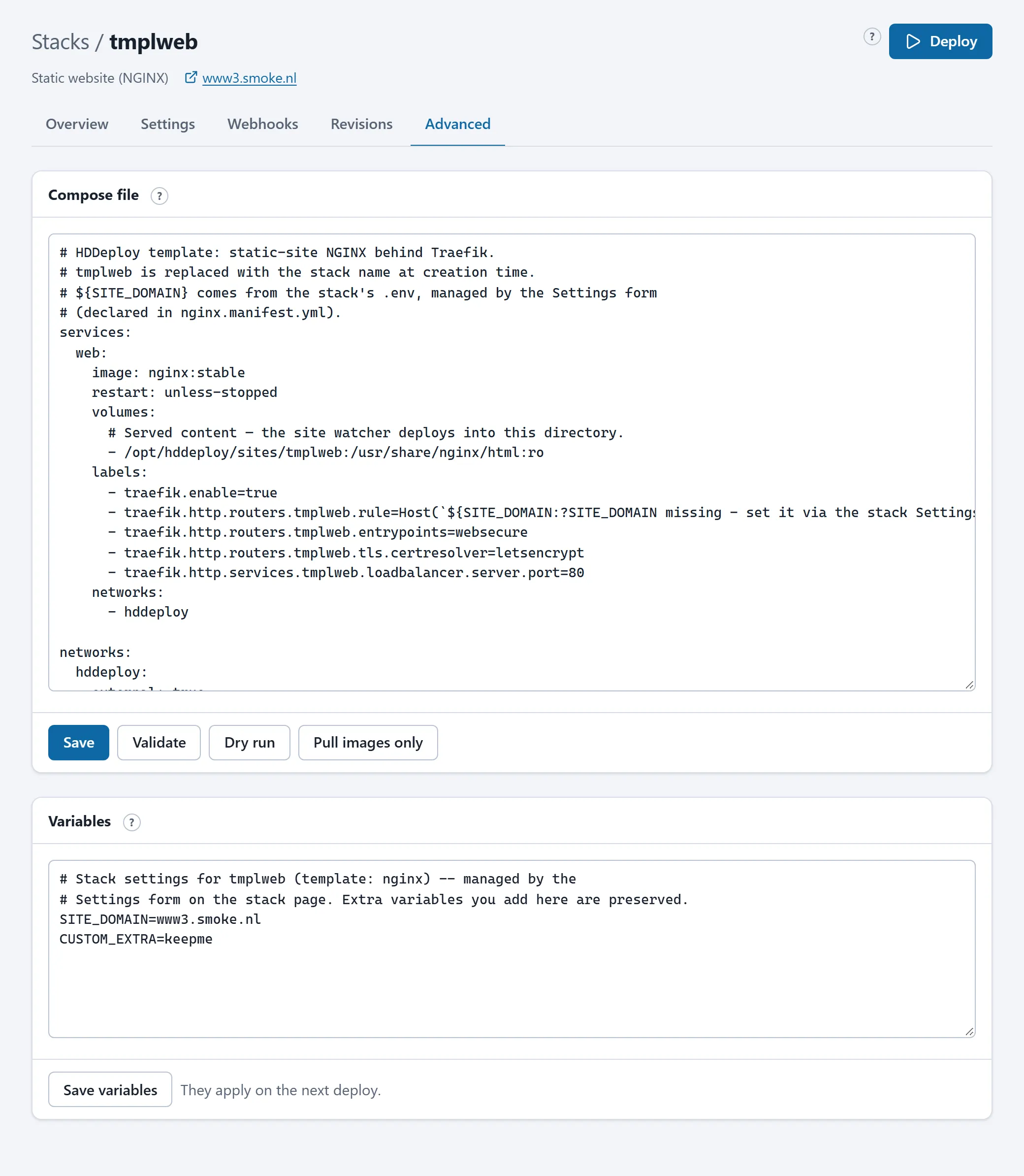
Section titled “Advanced”The compose file and the variables as text, with Validate (check without saving), Dry run (simulate the deploy) and Pull images only. See Compose files and platform rules.
Deploy and Stop
Section titled “Deploy and Stop”Deploy pulls the latest images (or builds the application from source) and restarts only what changed. The first start and later updates use the same button. The deploy runs as a job in the background; the page shows a link to follow it, and the result afterwards appears under Last deploy and on Activity.
Stop stops and removes the containers. The data in named volumes (the database, uploaded files) is kept; the next Deploy starts the application with the same data.
What you can do and what you cannot
Section titled “What you can do and what you cannot”You can change, deploy, stop and roll back everything about an existing stack. What stays with HD Services: creating or deleting a stack, the markers “allow WAN ports”, “exempt from the platform rules” and “protected services”, and the platform’s own stacks (the web gateway). See Who does what.