Sites: static websites
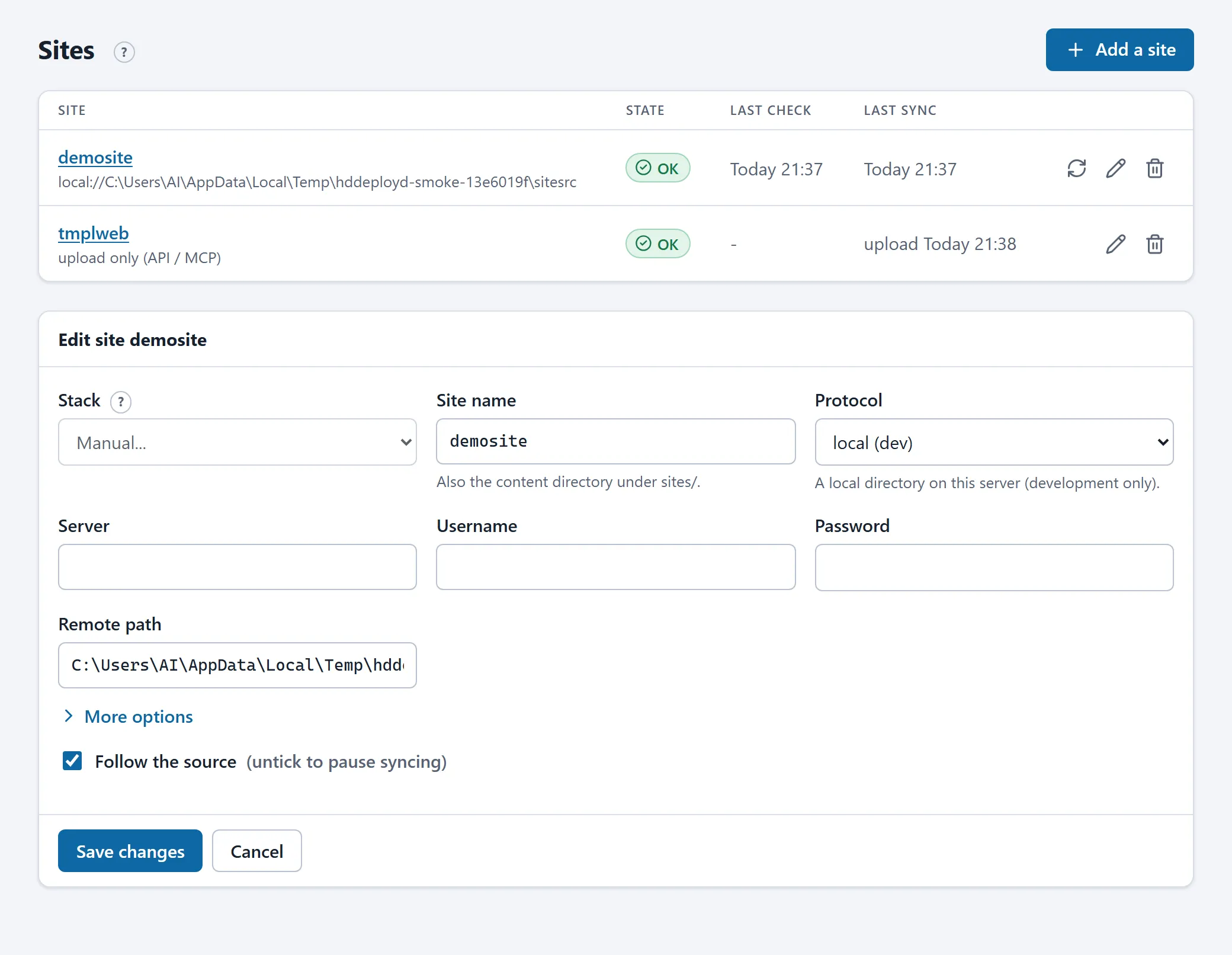
A site is a directory of static web files (HTML, CSS, images, downloads) served by a stack’s web server. The convention is one site per stack: the content of site shop lives in the directory the web container of stack shop serves.
How content arrives
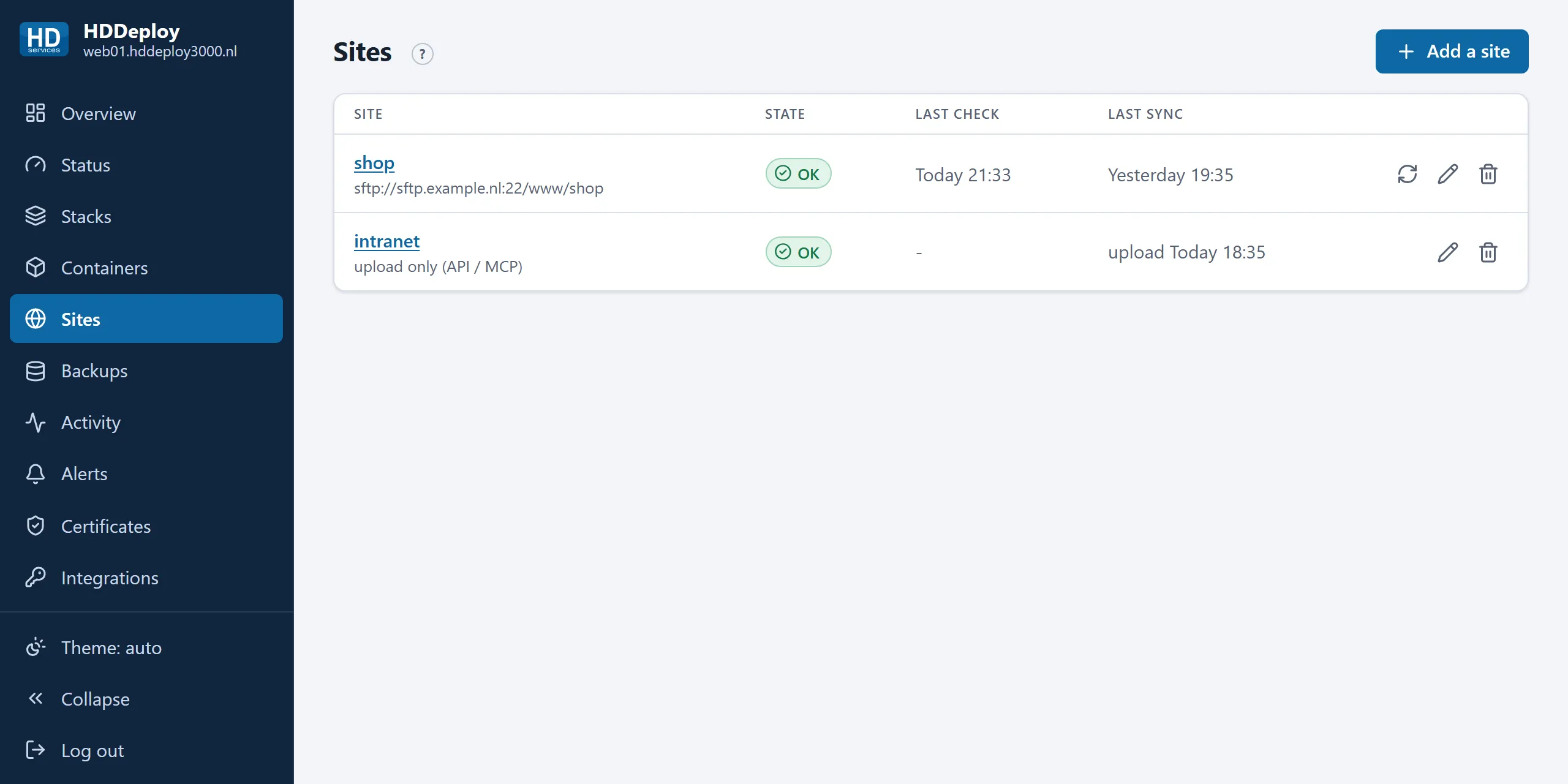
Section titled “How content arrives”A site has a source. There are two kinds:
- Synced: the server follows an SFTP or FTPS location. It is checked every two minutes; a change goes live only when two checks in a row see the same content, so a half-uploaded site never goes online. A sync replaces the whole directory.
- Upload only: there is no external location. Content arrives only through the API or through your AI assistant (MCP). See Uploading files.
Uploading also works on a synced site, for example for a file your assistant changes. Mind: at the next change on the FTP location the whole directory is synced again and uploaded files are gone. If you combine both, keep the FTP copy authoritative, or choose “upload only”.
A site’s page
Section titled “A site’s page”Click a name. The Status tab shows the source, the last check, the last sync and the last upload (with who and how many files).
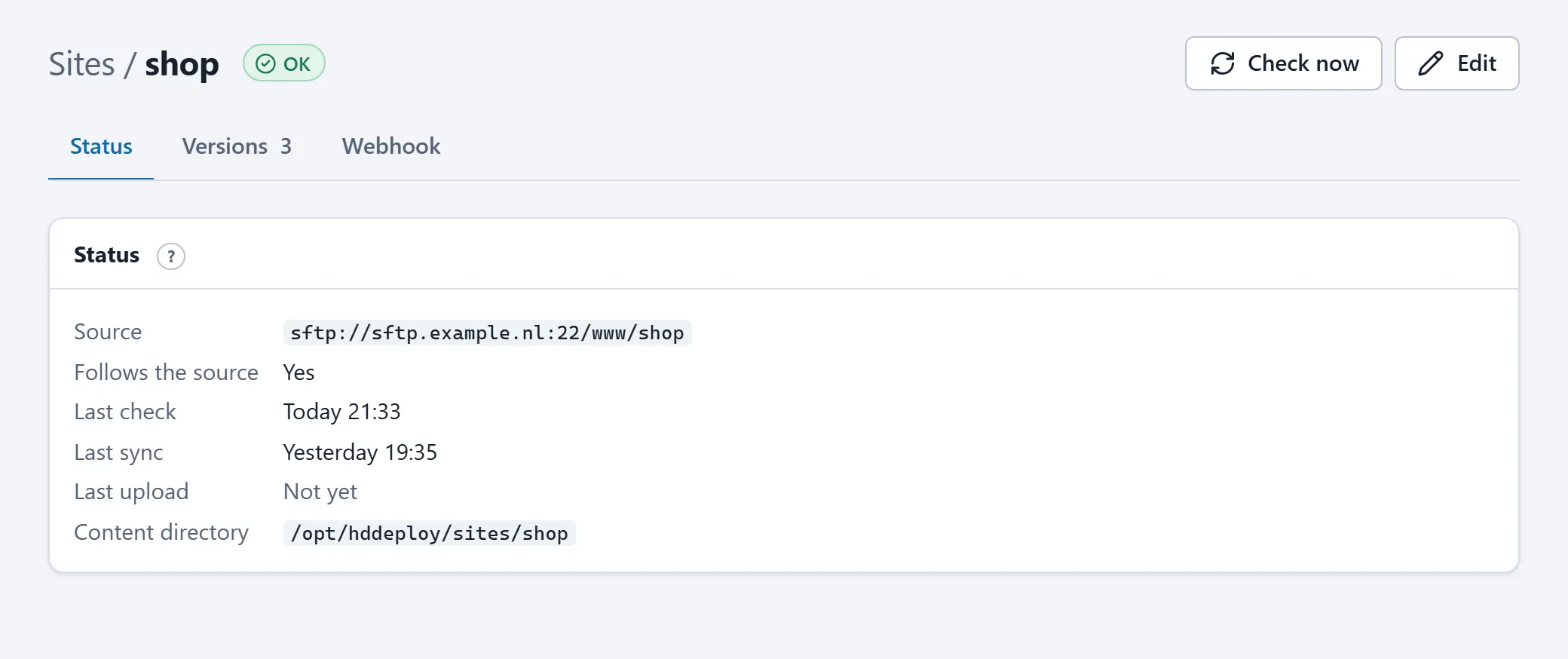
Check now checks the source right away instead of waiting for the next check. Edit changes the source (server, login, path, or the choice “upload only”).
Previous versions
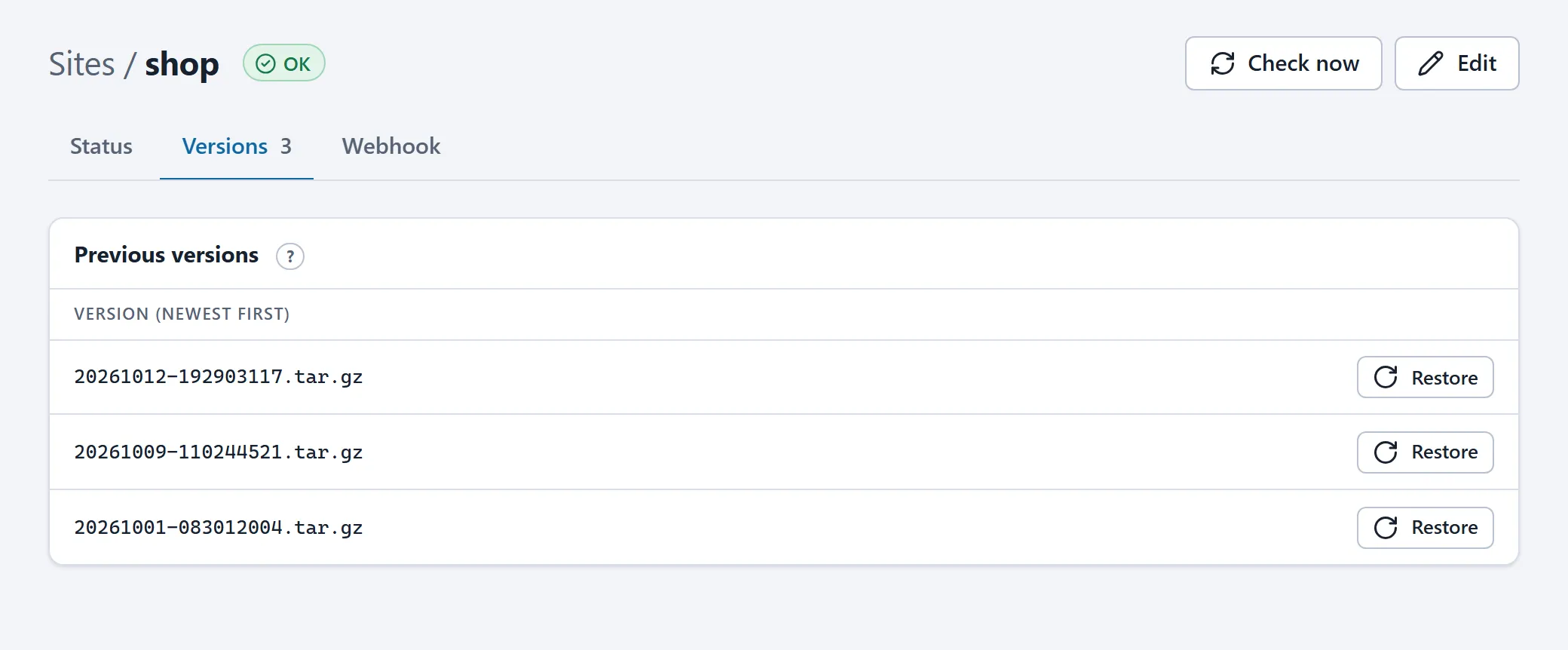
Section titled “Previous versions”Before every sync and every upload the live version is archived. The Versions tab lists them, newest first; Restore puts a version back. The current version is archived first, so a restore can itself be undone. The server keeps the last ten versions.
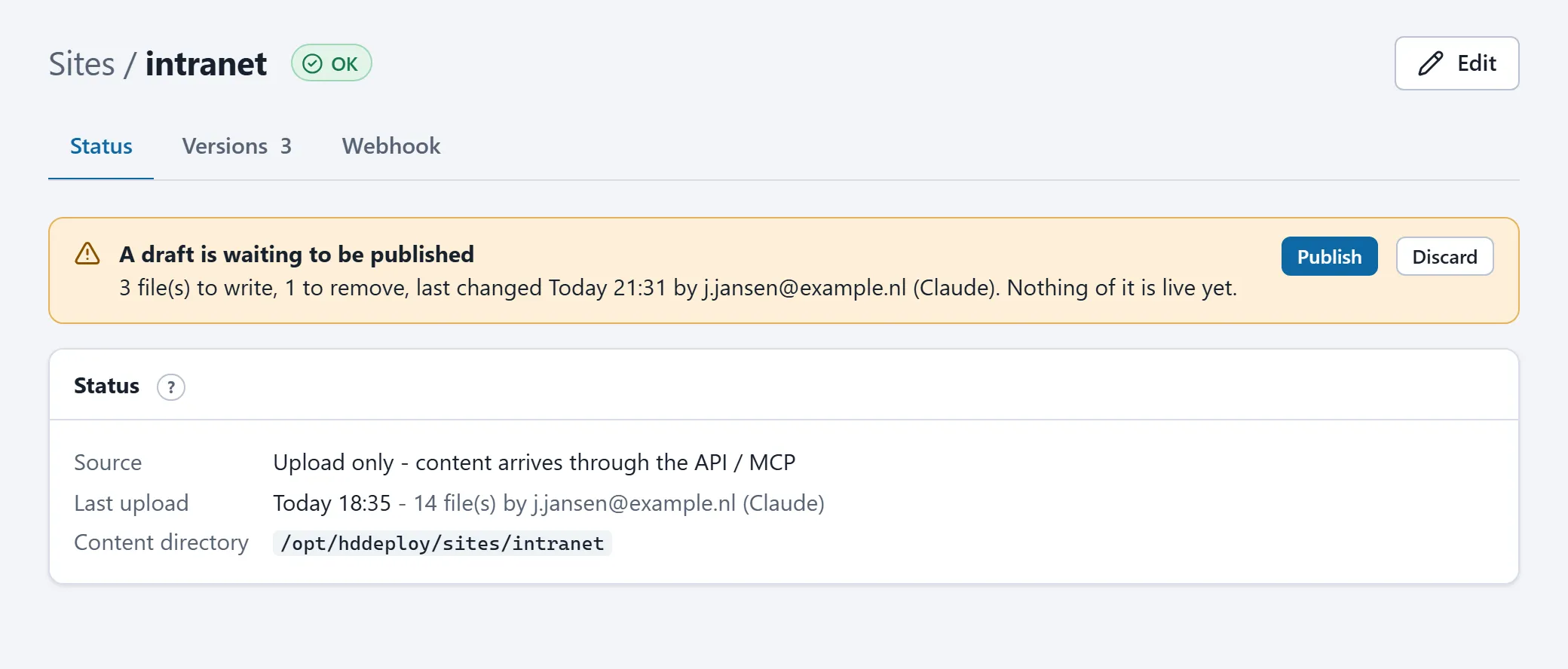
Your assistant writes files into a draft first; nothing of it is visible on the website. When a draft is pending, the page shows which files it holds, with buttons to publish or discard it. Publishing makes all files live in one step.
Webhook for your CI
Section titled “Webhook for your CI”When your pipeline uploads the site to the FTP location, it can then ask the server to sync right away, without waiting for the next check and the stability window. See Webhooks.
A new site
Section titled “A new site”You create new sites yourself with Add a site: pick the stack the site belongs to, pick the protocol (SFTP, FTPS or upload only) and fill in the source. A new, still empty site shows a temporary “website is being set up” page until the first content arrives.