
Templates and settings
Most stacks are created by HD Services from a template: a ready-made compose file plus a description of the settings that differ per client. That description (the manifest) determines what you see on the Settings tab.
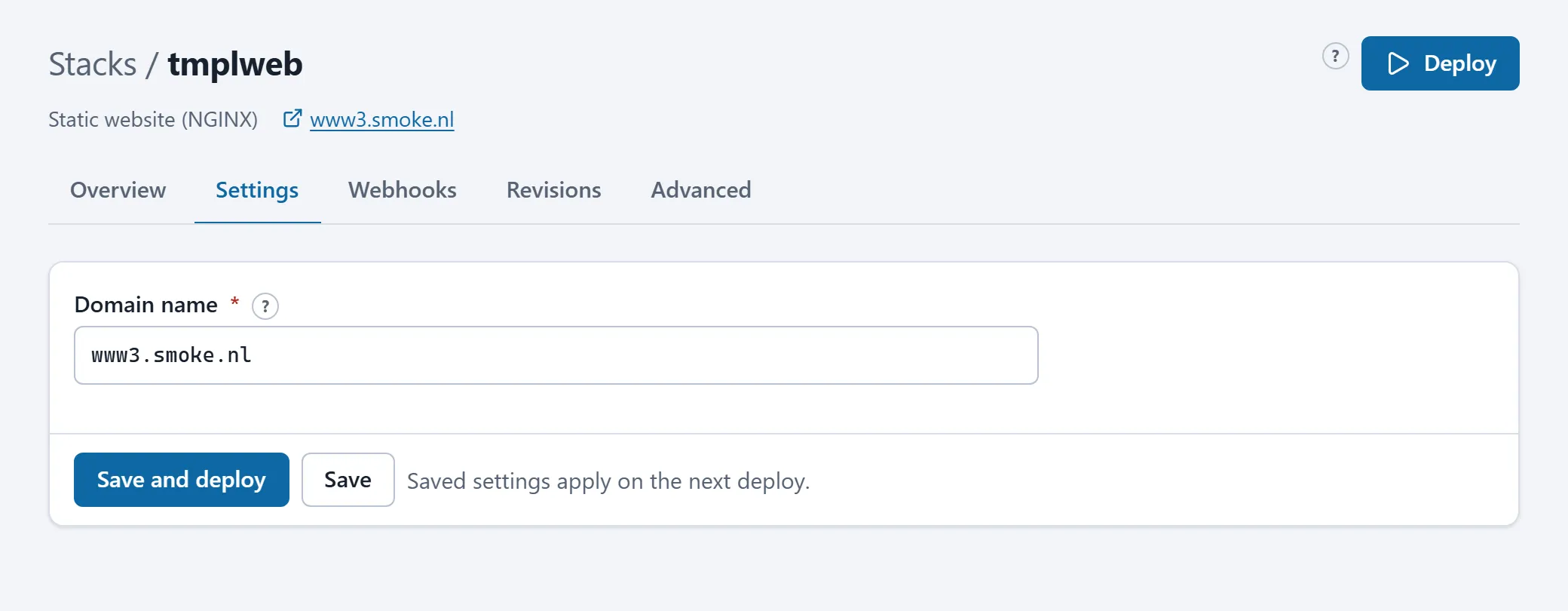
What a template defines
Section titled “What a template defines”- The fields of the form: name, type, whether it is required, a default, a help text (the ? next to the field) and optionally a list of choices. Every field becomes a variable in the stack’s
.envfile. - Next steps: the Next steps card on the Overview tab, with what still has to happen after creation (DNS record, first deploy, content).
- Behaviour: whether the stack has a site with content, whether it gets an access list, whether the nightly update is on by default, whether it builds from a git repository.
The template library belongs to HD Services; clients do not pick from it themselves. Ask HD Services which template fits your application.
Field types
Section titled “Field types”| Type | What you enter |
|---|---|
| text | Free text. |
| domain | A host name without https://, for example www.example.com. |
| An e-mail address. | |
| number / port | A number; a port between 1 and 65535. |
| password | A secret. For a required password field the portal fills in a randomly generated value; keep it or replace it. |
| select | One value from a list. |
| checkbox | On or off. |
Fields that are rarely needed are folded under Advanced.
Secrets
Section titled “Secrets”- A generated password is shown once, right after saving. Copy it to your password manager then. Regenerate next to the field makes a new one.
- Some fields store only a hash (argon2id): the value itself is not kept and cannot be shown again. Enter a new value to replace it, or paste an existing hash to reuse one.
- Fields whose help text says they are frozen after the first deploy (the database name, for example) cannot be changed safely later: the application already used them.
Saving and deploying
Section titled “Saving and deploying”Save keeps the settings as a new revision; they apply at the next deploy. Save and deploy does both. The Overview tab shows whether the current definition is already running.
The template files themselves
Section titled “The template files themselves”A template’s compose file is visible on the Advanced tab; the stack’s name is filled in everywhere. You may change it (an extra domain name, for example), within the platform rules. The lines of the .env file that belong to form fields are managed by the form; lines you add yourself are kept.