
Certificates and domains
Every application on your server is reachable over HTTPS on its own domain name. Two things are needed for that: a DNS record that points the name at your server, and a certificate. The platform almost always handles the certificate by itself.
Domain names (DNS)
Section titled “Domain names (DNS)”An application gets its domain name in the stack’s settings (for a template, the Domain name field). After that, a DNS A record for that name must point at your server’s IP address. That record is created:
- by HD Services, when we manage the domain, or
- by you or your domain administrator, in the DNS management of your own domain.
Your server’s IP address is in the e-mail you received at delivery, or ask HD Services. A new record is usually active within minutes, sometimes up to an hour.
Certificates take care of themselves
Section titled “Certificates take care of themselves”Your server’s web gateway automatically requests a Let’s Encrypt certificate for every domain name as soon as the DNS name points at the server, and renews it in time. You do nothing for that. Until the record is right, the domain shows a temporary page or a certificate warning; that disappears by itself.
The certificate of the portal itself (<your-server>.hddeploy3000.nl) is managed by HD Services.
The Certificates page
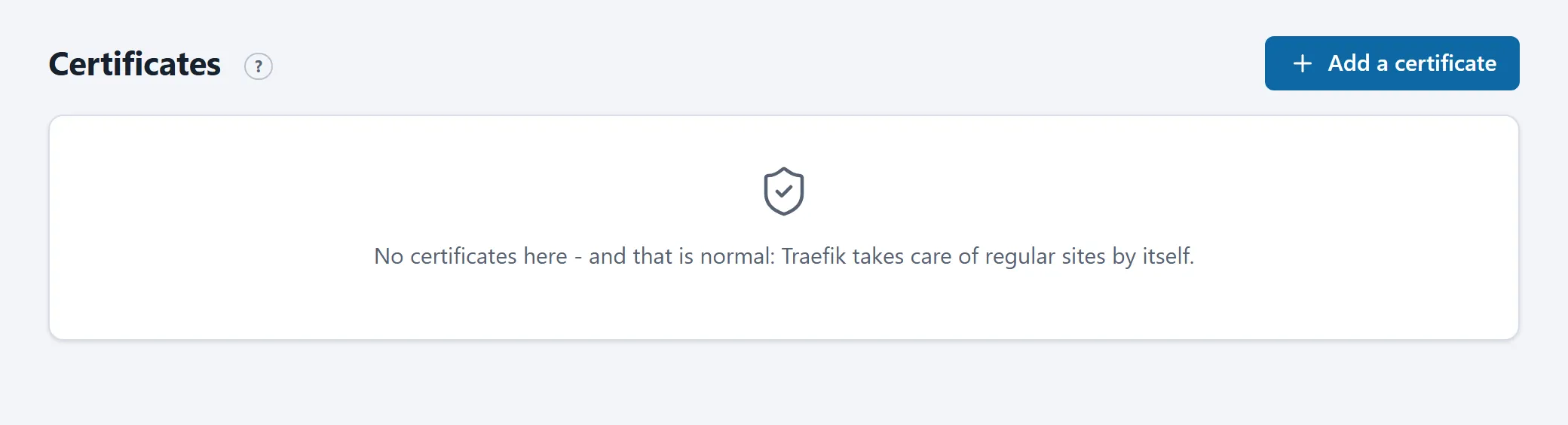
Section titled “The Certificates page”This page is only needed for what the gateway cannot do itself:
- A wildcard certificate (
*.example.com) or a certificate needed before the domain points at the server. Request it with Request one through HD Services: HD Services’ certificate manager issues it through a DNS validation. The domain names must belong to your server. Renewals are automatic afterwards. - A certificate of your own from a supplier (an EV certificate, for example). Paste the full chain and the private key in PEM form under Upload one the client supplied; they are checked before anything is installed. Renewing is then your own task; the portal warns 21 days before expiry.
A requested or uploaded certificate can be deleted again on the same page (or through the API); an assistant cannot.
Frequently asked
Section titled “Frequently asked”My site shows a certificate warning. Check that the A record points at the right server (for example with nslookup www.example.com). If it was only just fixed, wait a few minutes: the request runs automatically.
Can I add a second domain name? Yes, if the template has a field for it, or by extending the Traefik labels in the compose file (see Compose files and platform rules). Every extra domain needs its own A record.